Ecommerce
How to Increase Shopify Conversions With a Better Checkout and CRM
Practical ways to raise conversion rate and average order value with Shopify speed fixes, CheckoutChamp upsells and GoHighLevel follow-up automation.
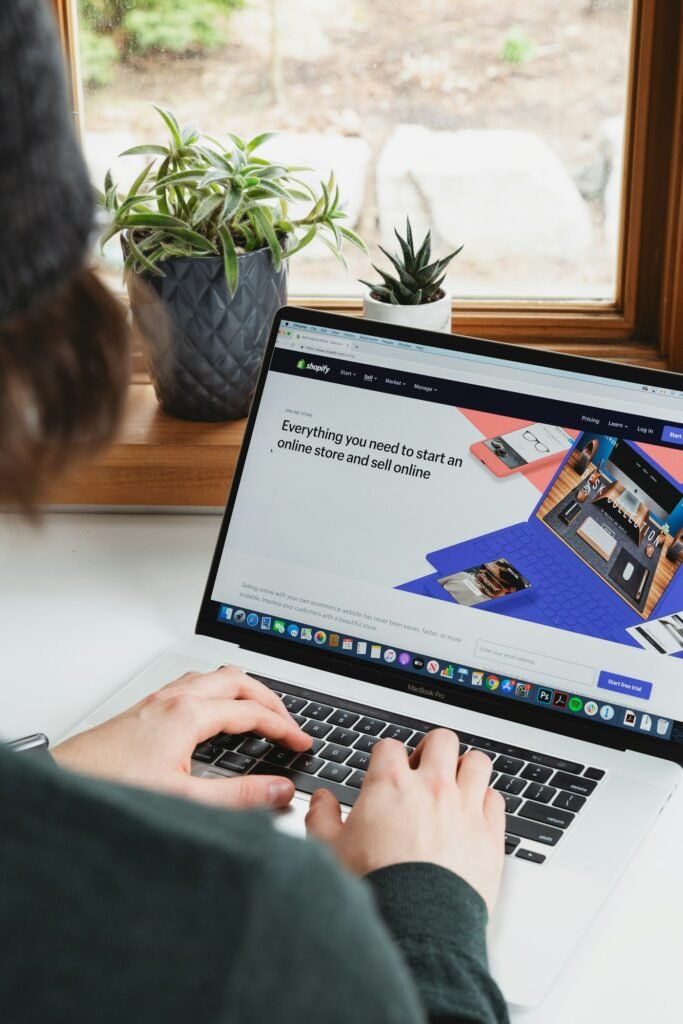
Driving traffic to your store is expensive. The fastest way to grow revenue is to convert more of the visitors you already have and bring more customers back. In this guide we share the practical steps we use at TrickyBytes to lift conversion rate and average order value with Shopify, CheckoutChamp and GoHighLevel.
1. Make your Shopify store fast and mobile-first
Most ecommerce traffic is mobile, and every extra second of load time costs sales. Compress images, remove unused apps and scripts, use a lightweight Online Store 2.0 theme and keep product pages focused. Clear product photos, benefit-driven copy, reviews and a visible add-to-cart button above the fold make a measurable difference.2. Remove friction from checkout
Checkout is where buyers are most likely to leave. Keep forms short, show trust badges and shipping costs early, and offer express payment options such as Shop Pay, Apple Pay and PayPal. For direct-to-consumer brands running paid traffic, a dedicated CheckoutChamp funnel gives you full control over the checkout page design, speed and offers.3. Increase average order value with upsells
An order bump on checkout and a one-click post-purchase upsell can raise average order value without adding ad spend. CheckoutChamp makes it easy to add pre-purchase bumps, post-purchase upsells, downsells and subscription offers. Keep offers relevant to what the customer just bought and test different prices and bundles.4. Follow up automatically with GoHighLevel
Most visitors will not buy on the first visit. Connect your store and checkout to GoHighLevel so abandoned carts, new leads and past customers receive timely email and SMS follow-ups. Useful workflows include abandoned cart recovery, a welcome series for new subscribers, post-purchase review requests and win-back campaigns for customers who have not ordered recently.5. Keep your CRM clean and connected
Automations only work when your data is accurate. Sync orders and customers from Shopify and CheckoutChamp into your CRM, tag customers by product and purchase history, and remove duplicates regularly. Good CRM management lets you segment campaigns and see which channels bring your most valuable customers.6. Track, test and improve
Set up accurate tracking with analytics, ad pixels and server-side events so you know where sales come from. Then test one change at a time, such as a new product page layout, a different upsell or a shorter checkout, and keep what works.Need help growing your store?
TrickyBytes helps ecommerce brands with Shopify development, CheckoutChamp funnels, GoHighLevel automation, WordPress development, custom websites and CRM management. Contact us for a free store, funnel and CRM audit.Contact us
Let’s talk about
your project.
We’re just one message away. Share what you need and we’ll help you plan your website, funnel or CRM today.
Want to talk it through?
Book a free consultation.

TrickyBytes Team
Project consultant
Shopify, CheckoutChamp, GoHighLevel, WordPress and CRM experts helping businesses worldwide grow online.
What we do
© 2026 TrickyBytes. All rights reserved.